Pets Universe Official and Trusted Links
Launch the real experience, join the right group, and skip fake Trello or phishing invites.
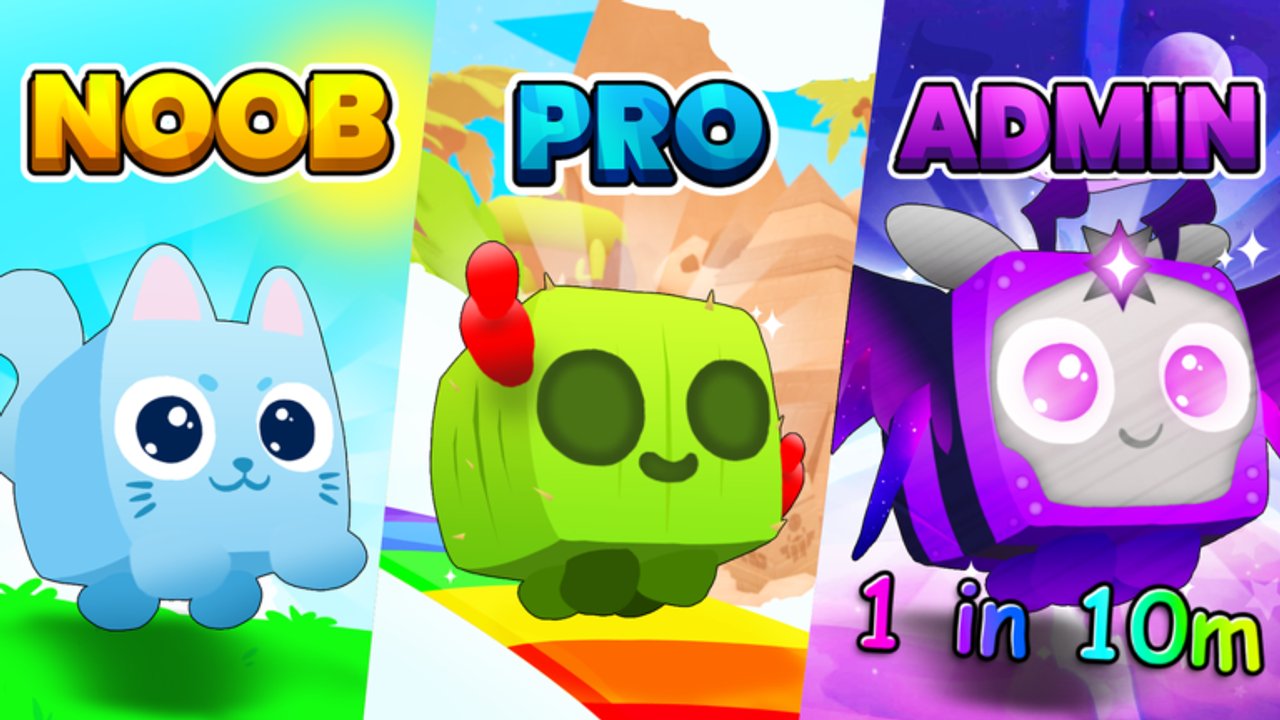
Bookmark this Links Hub whenever you need clean Pets Universe URLs. Phishing invites, copied experiences, and fake “official sheets” show up quickly around growing Roblox pet sims. Everything below points at Lip Builds destinations we can verify today, plus wiki sections that expand each topic without burying you in social noise.
Play Pets Universe
- Roblox experience — Pets Universe (Place ID style destination under Lip Builds). Always launch from this page or your verified favorites list.
- Universe / development context — Universe ID
10759638075is associated with the experience for tooling and asset fetches; players normally only need the game URL above.
Follow the experience on Roblox to help unlock the follow bonus described in the official blurb, then join the group listed next.
Lip Builds social and community destinations
- Discord — https://discord.com/invite/lipbuilds
- Roblox group — Lip Builds community
- X / Twitter — https://x.com/LipBuildsLLC
For etiquette, scam warnings, and how to use these channels during Trade Plaza negotiations, read the Community Hub. This Links Hub stays URL-first; that page stays advice-first.
Trello and roadmap status
No official Trello board has been confirmed for Pets Universe. If a video description, Discord DM, or random website claims otherwise, treat it as unofficial until Lip Builds posts the board themselves on Discord or X. This wiki will not invent a Trello link to look complete. Patch context instead lives under Updates, including writeups such as Update 3 and Admin Abuse when those pages are published.
Wiki destinations worth pinning
Progression and systems:
- Guides Hub — walkthrough index
- Getting Started — first-hour plan
- Hidden Bens — permanent Luck collectibles
- Crafting — Enchanted Grove potions and charms
- Trading — Update 2/3 trade habits
- Diamond Pets — mutation ladder
Rankings and rewards:
- Tier List Hub
- Best Pets
- Eggs Tier List
- Codes
- Scripts — third-party tool discussion with risk awareness
How to verify you are on the real game
- Creator or group attribution should resolve to Lip Builds, not a lookalike name with extra characters.
- Favorites and visits should match the scale of the public listing (millions of visits as the game grows)—tiny clones often fake thumbnails.
- Codes redeem through the Exclusive Shop basket on the left UI, matching steps on the Codes hub.
- Discord rewards and announcements should align with the invite listed here, not a “backup server” that asks for early password scans.
If something feels off—unusual monetization overlays, missing crafting machines after you paid the Grove unlock, or trade UIs that ask you to leave Roblox—leave the server and relaunch from the official URL on this page.
Using links during events
When X announces x2 currencies or Discord posts an admin abuse schedule, open the game from this hub, claim Codes, then execute a prepared plan from Eggs Tier List or Crafting. Do not trust shortened links in reply guys under Lip Builds posts; navigate from your bookmarks instead.
Trade Plaza boom hours after Update 3 increase fake middleman links. Negotiate in Discord if needed, but complete exchanges only in Roblox trades as stressed in Trading.
About this wiki
petsuniverses.wiki is an unofficial fan resource. It is not operated by Lip Builds. For authoritative statements, prefer Discord, X, and the Roblox game description. We document systems with trailing-slash internal links, community-reported secrets (always verify Hidden Bens in-game), and progression tier lists that openly admit they will change.
Quick copy list
- Game:
https://www.roblox.com/games/74629631798007/Pets-Universe - Discord:
https://discord.com/invite/lipbuilds - Group:
https://www.roblox.com/communities/35939768/Lip-Builds - X:
https://x.com/LipBuildsLLC - Trello: none confirmed
Keep this page handy on mobile, share it with clubmates who need clean invites, and return to the Community Hub when you need behavioral guidance rather than raw URLs. Official links rarely change; phishing pages change daily—when in doubt, type the Roblox destination yourself or tap the anchors above.
Frequently Asked Questions
Quick answers to the most common Pets Universe questions.
What is the official Pets Universe game link?
https://www.roblox.com/games/74629631798007/Pets-Universe — favorite it and launch from there to avoid copied places.
Where is the Lip Builds Discord invite?
https://discord.com/invite/lipbuilds. Ignore alternate invites that demand downloads or password screenshares.
Does Pets Universe have an official Trello?
No confirmed official Trello exists. Use Discord, X, and in-game patch notes for roadmap fragments.
Where do I find the Roblox group for bonuses?
Join https://www.roblox.com/communities/35939768/Lip-Builds and follow the game page for the advertised bonus rewards.
Is this Links Hub official?
No. This wiki is fan-made. The outbound Roblox, Discord, group, and X URLs point at Lip Builds destinations.