Pets Universe Community Resources
Official-adjacent social links, group rewards, and honest notes about what does—and does not—exist for Pets Universe.
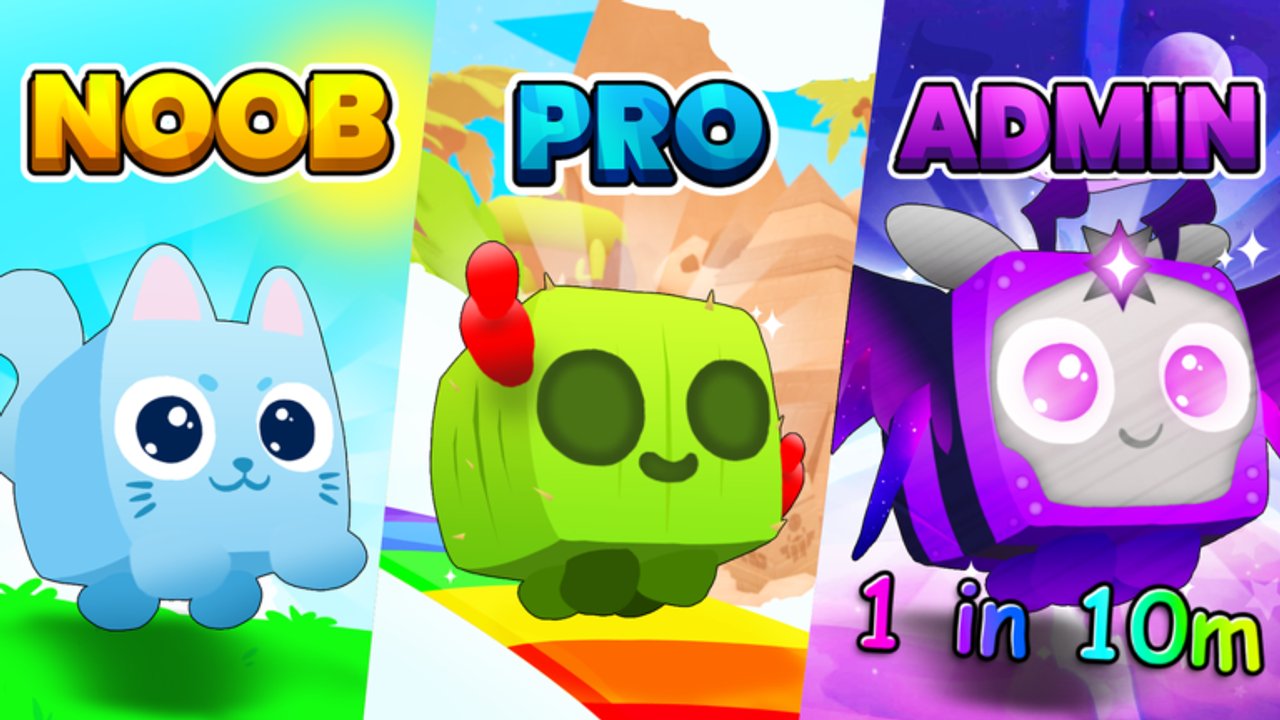
Pets Universe moves on weekly patches, codes, admin abuse events, and soft trade values. The fastest corrections rarely land on a static wiki first—they land in Lip Builds community channels. This Community Hub gathers the Discord invite, Roblox group, X/Twitter account, and practical habits for using those spaces without getting scammed or misled. UI navigation may simply say Community; the goal is the same: real people, real announcements, real group rewards.
Essential community links
- Discord — discord.com/invite/lipbuilds. Primary home for patch chatter, code drops, Trade Plaza LFG, and bug reports. Verify you joined the invite above rather than a phishing clone pasted in a random server.
- Lip Builds Roblox group — Roblox community 35939768. Join for the bonus rewards advertised on the game page, plus group wall/shout visibility when staff post.
- X / Twitter — x.com/LipBuildsLLC. Short announcements for Update 3 teases, multiplier events, and trailer-style posts. Enable notifications if you chase limited codes.
- Game page — Pets Universe on Roblox. Follow the experience for the follow bonus and to confirm you are launching the real place file.
Mirror copies of these URLs also live on the Links Hub for players who bookmark official destinations separately from social guidance.
What you will not find
There is no confirmed official Trello for Pets Universe at the time of writing. If a stranger sells access to “the official Lip Builds Trello,” treat it as unofficial at best and malicious at worst. Roadmap fragments appear as Discord messages, X posts, and in-game patch text instead. This wiki documents systems in Guides and Updates, but primary announcement credit belongs to Lip Builds channels.
Why the group and follow bonuses matter
The Roblox description explicitly tells players to join the group and follow the game for bonus rewards. Those bonuses are free progression—ignore them and you voluntarily play a harder economy. Combine them with Premium’s +10% Coins and Rubies, Codes, and Hidden Bens Luck before you call the game “too grindy.”
After joining, re-enter the experience so reward grants can refresh. If a bonus does not appear, check that you joined the correct group ID and that you are not in a VIP or copied place.
How to use Discord productively
- Read rules and announcement channels before posting “any codes?” in general chat.
- Search before asking—Hidden Ben locations, Potion II recipes, and Trade Plaza etiquette are repeated daily.
- Keep trades inside Roblox trade UI even if you negotiate in Discord DMs (Trading).
- Never download “mutation unlockers” or password screenshares from helpful strangers.
- Cross-check craft numbers against the in-game machine and our Crafting guide when Discord screenshots look outdated.
Small six-player servers mean Discord is often how traders find each other before meeting in Trade Plaza. Be clear about Gold versus Diamond versus Rainbow when you list offers, and link pets to progression context from Best Pets instead of vague “my pet is op” claims.
X / Twitter habits
Lip Builds posts are short. Screenshot important codes and update teases into your own notes because replies fill with bots. When an X post promises x2 Luck, Coins, or Rubies, plan a hatch session using Eggs Tier List rather than spending the window AFK in an empty world. Admin abuse schedules sometimes appear here first—pair them with our Admin Abuse notes when available.
Community vs wiki roles
| Need | Go here |
|---|---|
| Live codes / patch minute | Discord + X |
| Structured walkthroughs | Guides Hub |
| Progression rankings | Tier List Hub |
| Canonical URLs | Links Hub |
| Historical update writeups | Updates |
The wiki is unofficial fan documentation. Community channels are where Lip Builds actually speaks. Use both: channels for speed, wiki for durable systems like Diamond Pets and Getting Started.
Safety and etiquette
- Staff will not ask for your Roblox password or email code.
- Middleman services from random “trusted” Discord roles are optional risks—prefer direct Trade Plaza deals.
- Do not harass creators or leak unreleased assets.
- Credit clip channel tips when you reshare Ben locations; still verify in-game.
- During heated Update 3 launches, mute spam channels and stick to announcements.
Suggested weekly community routine
Monday or patch day: skim Discord announcements and X. Redeem new Codes. Skim Updates if a writeup exists. Recheck tier pages if a new egg shipped. Weekend: use Trade Plaza with values informed by real offers, not a single Discord flex message.
Related reading
New players should still complete Getting Started before living in trade chat. Mechanics remain on the Guides Hub; rankings on Tier List; scripts risk notes on Scripts. Bookmark this Community Hub beside the Links Hub so you always have clean URLs when invites get buried under memes.
Pets Universe is small enough that reputation matters and large enough that fake links appear daily. Join the real Lip Builds Discord, group, and X account, claim the free bonuses, and treat every third-party “official sheet” with skepticism until Lip Builds confirms it—especially anything pretending to be a Trello that does not exist.
Frequently Asked Questions
Quick answers to the most common Pets Universe questions.
What is the official Pets Universe Discord?
Use https://discord.com/invite/lipbuilds and beware of cloned invites posted in public chats.
Is there an official Trello?
No confirmed official Trello board exists for Pets Universe. Announcements come from Discord, X, and the Roblox game page.
Why should I join the Lip Builds group?
The game advertises bonus rewards for joining the group and following the experience. Those bonuses are free progression.
Where does Lip Builds post short update teases?
Follow https://x.com/LipBuildsLLC for concise announcements, event multipliers, and launch teases.
Is this Community Hub the same as a player roster database?
No. This page focuses on Discord, group, and social resources. Pet rankings live under the Tier List section.